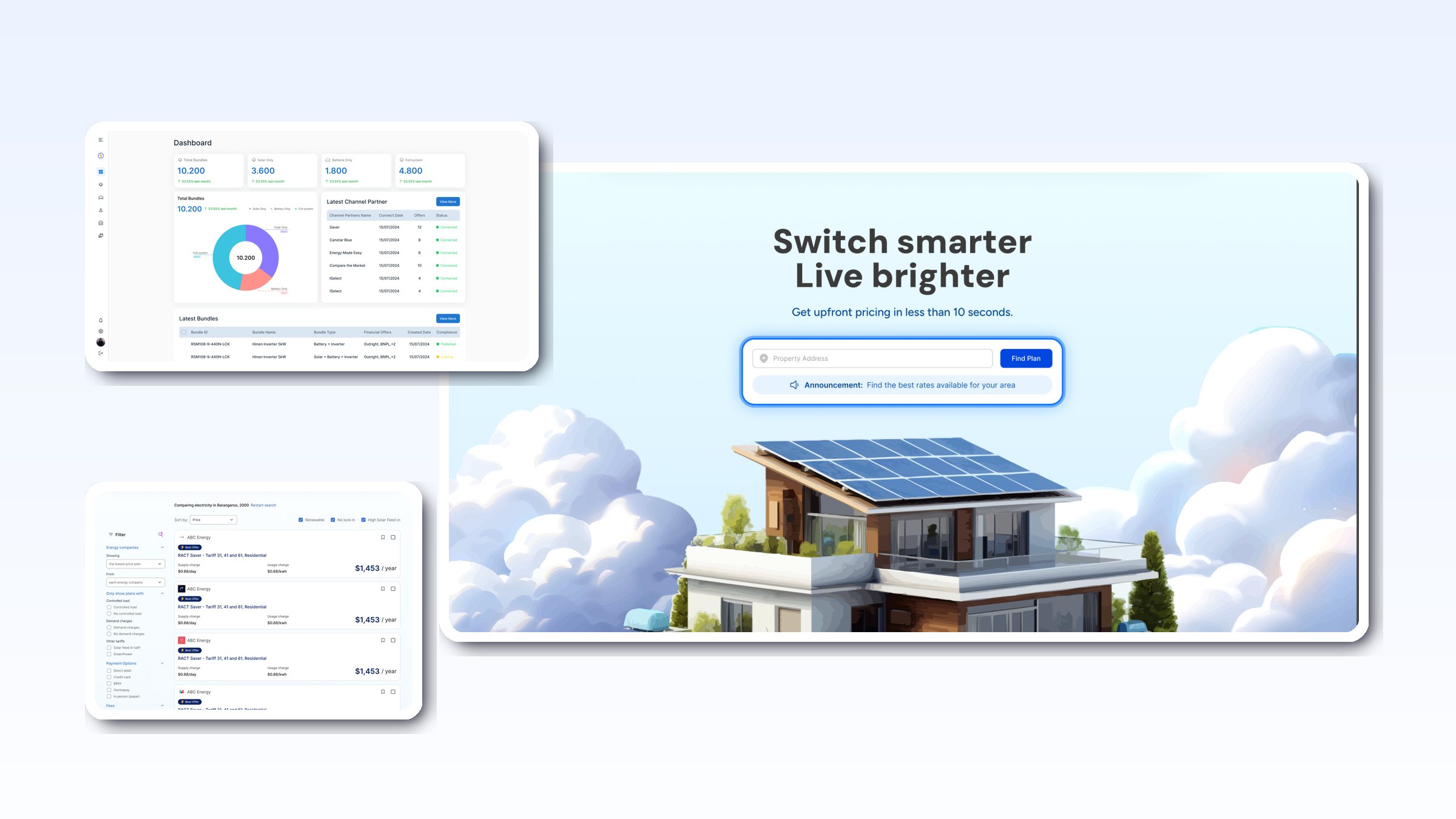
In 42, a Channel Partner (CP) is any organisation that owns audience and distribution, but does not own the pricebook. Channel Partners amplify reach—publishing retailer offers via syndicated views, widgets, or a co-branded portal—and route context-rich leads back to the retailer.
Examples
- Comparison sites and marketplaces
- Councils / community programs
- Property developers / strata managers
- Finance brokers / member clubs
- OEM partner networks / affiliates
- Media brands with home-energy sections
A Channel Partner typically has
- Audience (traffic, trust, local presence)
- Syndicated views of retailer offers (scoped catalogues)
- Lead routing back to the retailer (rules + webhooks)
- Attribution (UTM, revenue share, program reporting)
A Channel Partner is not
- A price owner (no pricebook authority)
- A support/installation only provider
- A data broker (uses consented, tenant-scoped data only)
What Channel Partners can do in 42
- Syndicated Views & Sub-views
Curated catalogues from one or many retailers; campaign-specific pages; geo-scoped content. - Co-branded Portal or Widgets
CP-branded front door powered by retailer pricebooks; address → eligibility → personalise → save flow. - Lead Routing & Rules
Send leads to the correct retailer with context (address, grade, usage, chosen bundle). - Attribution & Reporting
UTM tracking, revenue-share reporting, conversion dashboards. - APIs & Embeds
Channel Partner APIs for portals/plans; webhooks to CRM/MA.
Always on: consented data, tenant scoping, transparent “How we’re paid”.
Channel Partner archetypes (with concrete use)
- Council / Community program
Campaign page with approved retailers; postcode eligibility; local incentives surfaced; leads routed by region. - Comparison site
Multi-retailer views; filters (price, green %, term); Quote Vault saves; handoff with full context. - Affiliate / Media brand
Co-branded widgets embedded in articles; tracked links; weekly performance reports. - OEM partner hub
Showcase certified installers per region; pre-qualified leads sent with chosen bundle. - Developer / Strata / Real Estate
Building-level offers; resident onboarding links; status reporting to building manager.
Onboarding checklist
- Branding & domain — logo, colours, CNAME (e.g., energy.yourdomain)
- Select retailers & scopes — which catalogues, regions, incentives
- Views — campaign sub-views, widgets, landing copy
- Lead rules — routing logic, webhook/CRM destination
- Attribution — UTM schema, revenue-share config, reports
- Compliance — disclosures, “How we’re paid”, consent copy
- UAT — address → eligibility → personalise → save → hand-off
- Go-live — Remote Config toggles, alerting, dashboards
Metrics that matter (CP lens)
- Visitor → Save-quote % (target ≥ 8–15% depending on channel)
- Eligible → Personalise % (≥ 30–40%)
- Lead acceptance rate by retailer (quality)
- Downstream conversion (quote acceptance %)
- Attribution accuracy (tag coverage 100%)
- Time-to-first-value (days to first routed lead)
Quick FAQs
- Can we show only certain products or regions?
Yes—sub-views with retailer/region filters. - Do we set prices?
No. Pricing is owned by the retailer (pricebook authority). - Who owns the lead?
The retailer; CP gets attribution and performance reports. - Can we embed on our site?
Yes—widgets and CP APIs; or use a hosted co-branded portal. - How is consent handled?
Explicit toggles; tenant-scoped; export/delete supported.
Where to go next
- If you own audience, you can be a Channel Partner in 42—spin up a co-branded portal or embed widgets, route leads with full context, and get clear attribution.
- If you own pricing, you’re a Retailer—connect your pricebook and publish offers across your own portal and CP views.
For installers, brokers & property managers
Sell energy without the headache.
If you work with customers who pay energy bills, VoltaRocks gives you the tools to sell electrification bundles and energy plans — with no upfront cost.